AI Phishing Prevention for SMBs: Where Simulations and Awareness Training Actually Help
AI has made phishing cheaper, faster, and harder to spot — but SMBs do not need enterprise-sized budgets to fight back.
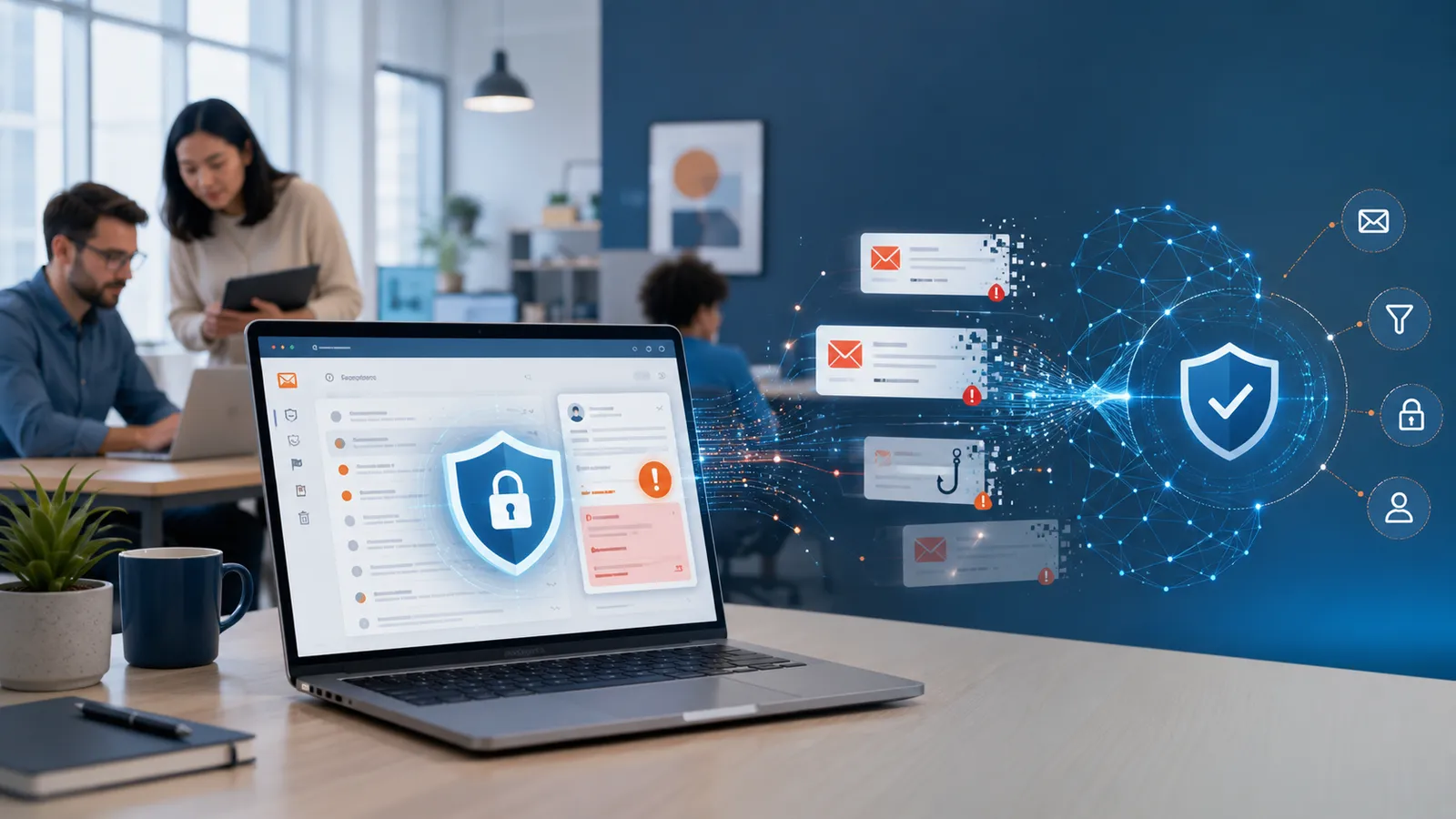
For small and mid-sized businesses, AI phishing prevention works best when email controls, phishing simulations, and lightweight follow-up training reinforce each other instead of competing for budget.
If you are searching for AI phishing scam prevention for small and medium businesses, the practical answer is not “buy one magic AI tool.” SMBs usually reduce phishing risk fastest by combining solid email security, short recurring phishing simulations, and fast coaching after risky behavior. That approach helps staff recognize more convincing AI-generated lures without forcing a small IT team to run an enterprise-sized awareness program.
Safety note: this article is about defensive phishing simulations, awareness training, and practical program design. It does not include instructions for real phishing, credential theft, payload delivery, or bypassing security controls.
Why AI phishing feels harder for SMBs
AI has not changed the goal of phishing, but it has changed the speed and variation attackers can use.
For SMBs, that creates three practical problems:
- suspicious messages can look more polished than older spammy phishing emails
- attackers can adapt tone faster across finance, leadership, support, and general staff
- small teams usually do not have spare time for manual awareness follow-up after every incident or test
That is why SMB programs should not treat phishing prevention as only a mail-filtering problem.
Staff still need to recognize urgency, impersonation, unusual requests, and weird link or attachment behavior. CISA’s guidance on avoiding social engineering and phishing attacks is still relevant here: phishing succeeds because it exploits human workflow, not just technical gaps.
Where phishing simulations fit in AI phishing prevention
Phishing simulations are useful for SMBs when they are run as a controlled learning loop, not as a punishment machine.
1. They prepare employees for higher-variance lures
AI-generated phishing does not always look obviously fake.
That makes repetition and pattern recognition more important than a once-a-year slide deck. Simulations help employees practice the behaviors that still matter when the wording gets cleaner:
- pausing on urgent requests
- checking sender context
- using the right internal reporting path
- spotting requests that do not match normal workflow
For lean teams evaluating tooling, AutoPhish’s AI phishing simulation for small businesses page is a useful benchmark for what low-overhead rollout should look like.
2. Fast coaching matters more than long annual training
When someone clicks a simulation or misses obvious warning signs, the best response is usually immediate and short.
That can mean:
- a quick explanation of what signals were missed
- a micro-lesson tied to the scenario
- automatic assignment of a short follow-up module
- clear reminder of how to report suspicious mail next time
This is one reason recurring phishing simulations often outperform generic annual awareness content by themselves. The employee learns in context, close to the decision point.
3. SMBs need coverage beyond desktop email
Many small businesses now approve logins on phones, review invoices from mobile devices, and handle business conversations in chat tools.
So an SMB phishing prevention plan should not stop at classic inbox scenarios. It should also cover mobile-safe reporting habits and cross-channel awareness, especially where SMS, QR, and chat-based messages are already part of normal work.
What good AI phishing prevention looks like for SMBs
For most SMBs, the strongest setup is not a huge stack. It is a boring, repeatable operating model.
A practical program usually includes:
- email security controls that block obvious junk and domain abuse
- recurring phishing simulations with safe defaults
- lightweight post-click coaching or follow-up training
- simple reporting paths employees can actually use
- trend reporting that shows whether behavior is improving over time
That last point matters. If the program only produces isolated click numbers, it is hard to know whether the business is getting more resilient. Reporting should help answer whether users are reporting faster, repeating the same mistakes less often, and improving across higher-risk groups.
If reporting quality is part of your buying decision, compare platforms against the criteria in Phishing Simulation Reporting: 12 Features Security Teams Should Compare.
What SMB buyers should prioritize in a platform
If you are comparing platforms for AI phishing prevention, look for these traits first.
Low operational overhead
The program should survive even when the same person is juggling helpdesk, identity, endpoint issues, and vendor admin.
Good signs:
- recurring scheduling
- automated follow-up after a failed test
- simple audience exclusions
- clean monthly or quarterly reporting
Safe defaults
A defensive phishing program should not create new risk.
Look for platforms that avoid:
- credential collection patterns that are hard to justify internally
- overly aggressive scare tactics
- simulations that are too close to live incidents
- weak governance around who can launch or approve campaigns
Support for behavior change, not vanity metrics
Click rate alone is too thin.
A useful SMB platform should help you measure:
- report rate
- repeat patterns over time
- follow-up completion
- basic trend improvement by role or team where appropriate
That broader learning-program lens lines up well with NIST SP 800-50 Rev. 1, which emphasizes behavior change, role awareness, and repeatable program design rather than one-off training events.
What not to overbuy
This is where small teams often lose time and budget.
Be careful with pitches that center on:
- giant template libraries you will never operationalize
- “AI” features without clear guardrails or approval controls
- reporting that looks flashy but does not help you coach anyone
- enterprise-heavy workflow design that assumes a dedicated awareness team
For most SMBs, a smaller platform with safer defaults and strong automation will outperform a sprawling suite that adds admin drag.
The goal is not to look sophisticated in a demo. The goal is to run the program consistently.
A simple 90-day rollout for lean teams
If your SMB does not already have a structured awareness rhythm, keep the first phase tight.
Days 1–30: establish the baseline
- confirm the reporting path for suspicious emails
- choose one or two safe scenario themes
- define what success means beyond clicks
- align internal stakeholders on guardrails
Days 31–60: run controlled recurring simulations
- launch on a predictable cadence
- use short feedback pages instead of shame-heavy follow-up
- track report rate, not just failure rate
- keep scope narrow enough that the IT team can sustain it
Days 61–90: automate the repeatable parts
- auto-assign short training after defined events
- create a simple leadership summary
- review whether high-friction steps can be removed
- expand cautiously into mobile or role-based scenarios if the basics are stable
That progression is usually more effective than trying to buy “full maturity” on day one.
Compliance and customer-assurance reality check
Phishing simulations can support a stronger control story, but they do not make an SMB automatically compliant.
What they can do is help you show that you:
- run awareness activity on a cadence
- measure whether employees improve over time
- follow up after risky behavior
- maintain a documented, repeatable process
That is useful for internal governance, customer assurance, and some audit conversations. But it is still not a substitute for policy, access controls, and sane data handling.
Final take
The best AI phishing prevention for SMBs is usually not a standalone “AI anti-phishing” promise.
It is a practical system: solid email controls, safe phishing simulations, quick user feedback, and enough reporting to prove the program is improving behavior without overwhelming a small team.
If your business needs that kind of low-overhead program, Sign Up.
FAQ
What is the best AI phishing prevention approach for SMBs?
Usually a layered one: email protection, recurring phishing simulations, clear reporting paths, and short follow-up training after risky actions.
Are phishing simulations still useful if attackers use AI?
Yes. AI changes phrasing and scale, but employees still need practice recognizing urgency, impersonation, and unusual requests in real workflow context.
Should SMBs buy a separate AI-specific awareness platform?
Not always. Many SMBs do better with a platform that already combines simulations, lightweight training, and reporting, instead of adding another tool category.
Can phishing simulations help with compliance?
They can support evidence that awareness work is being run and measured, but they should not be marketed as a guaranteed compliance shortcut.
What should small IT teams measure first?
Start with whether campaigns run consistently, whether employees report suspicious messages, and whether repeat risky behavior drops over time.