Choosing a Phishing Test Provider: A 30‑Day Pilot Plan for Safe, Low-Overhead Phishing Simulations
A practical, safety-first guide to choosing a phishing test provider that’s easy to pilot, defensible to stakeholders, and built for repeatable security improvement.
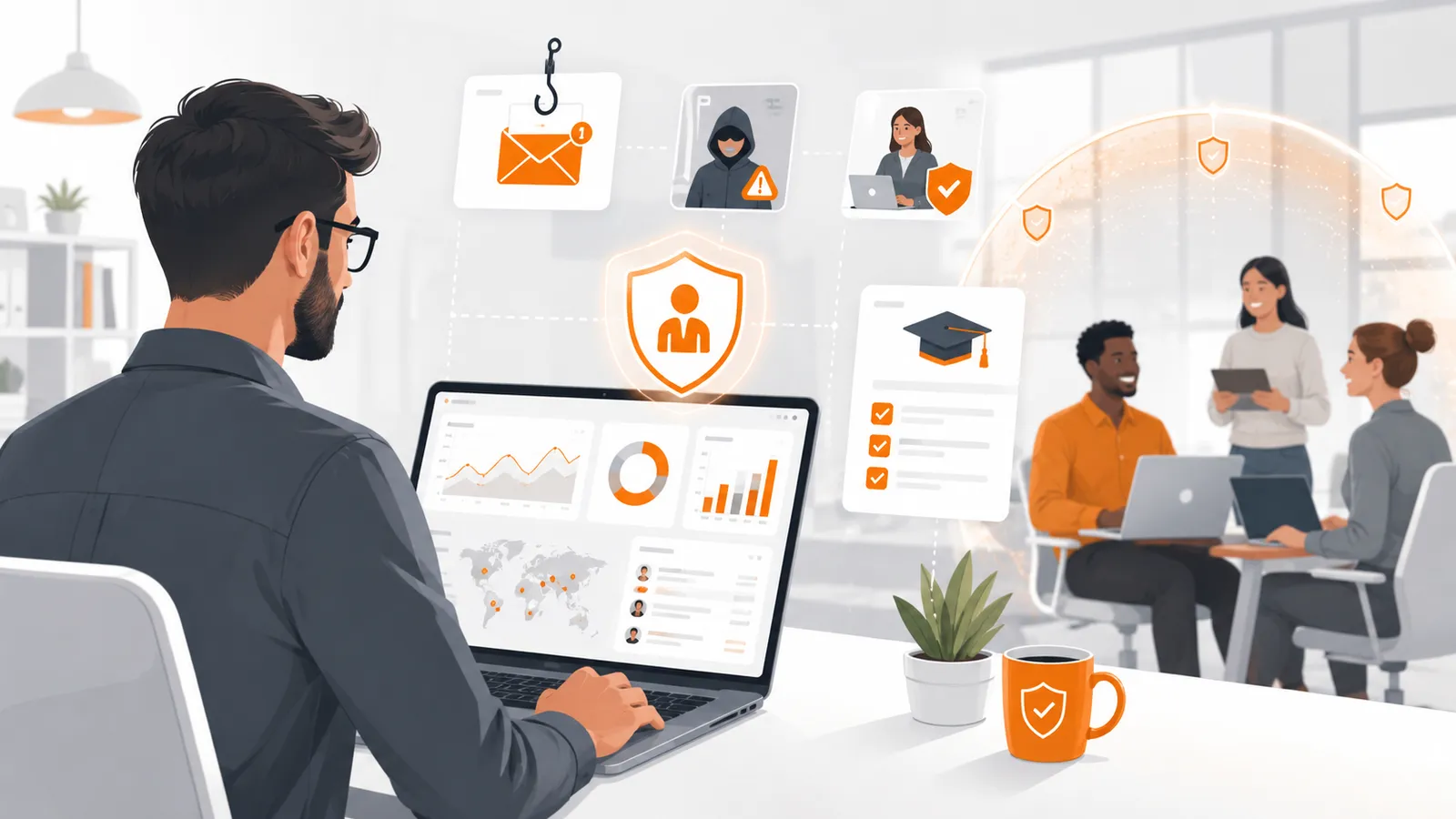
Picking a phishing test provider shouldn’t feel like buying a “phishing tool.”
For most organizations, the hard part isn’t writing a simulation email—it’s everything around it:
- getting stakeholders aligned (security, IT, HR, works council, legal)
- ensuring simulations are safe-by-default
- producing audit-friendly evidence (without overselling compliance)
- running campaigns with low IT overhead (so the program survives staff turnover)
This article gives you a practical 30‑day pilot plan and an evaluation checklist you can use to select a provider that improves security outcomes and keeps employee trust.
Safety note: This post is about defensive phishing simulations and awareness measurement. It does not include operational instructions for real phishing, credential theft, payload delivery, or bypass techniques.
Why “easy onboarding” is a security requirement (not a nice-to-have)
If onboarding is painful, teams cut corners:
- They reuse the same scenarios forever.
- They stop running campaigns regularly.
- They keep results in spreadsheets.
- They skip approvals and documentation.
That’s how awareness programs quietly turn into “we did a test once” instead of an actual control.
A good provider reduces operational drag while keeping guardrails strong—so you can run consistent simulations without becoming an internal email-ops team.
What onboarding actually includes (the real work items)
When vendors say “setup takes 15 minutes,” ask: setup of what, exactly?
In real environments, onboarding tends to include:
-
Stakeholder alignment
- Rules for acceptable scenarios
- Privacy posture (individual vs anonymized reporting)
- Internal comms plan and escalation path
-
Identity + user lifecycle
- How users are imported and kept current
- How onboarding/offboarding is handled
- Permissions model (who can launch campaigns, who can view what)
-
Email delivery and domain hygiene
- How the provider sends simulation emails
- How branding/domains are handled (and who owns them)
- How you minimize confusion with real incidents
-
Reporting outputs
- Which metrics you get by default
- Whether exports are easy and consistent
- Whether you can produce “evidence packs” for internal reviews
-
Safety guardrails
- Preventing credential collection
- Preventing “gotcha” workflows
- Clear training moment after each interaction
If a provider can’t walk you through these items clearly, the program will be fragile.
The 30‑day pilot plan (structured, low-drama, audit-friendly)
Use this plan to pilot any phishing simulation provider—without over-optimizing for “realism.”
Days 1–3: Define guardrails and success criteria
Before anyone clicks “launch,” write down two lists.
A) Guardrails (non-negotiables)
Examples:
- No password collection (ever)
- No MFA code requests
- No payroll/banking urgency themes
- No impersonation of internal executives without explicit sign-off
- No punitive language; the goal is learning and measurement
B) Success criteria (what ‘good’ looks like)
Pick 3–5 outcomes you’ll evaluate. For example:
- Time-to-launch for the first campaign (including approvals)
- Ability to segment by department/role
- Reporting quality (trends, exports, audit trail)
- User experience of the training moment
- Privacy controls (anonymization, retention, access control)
If you want a useful baseline for awareness & training programs as a control, see: NIST SP 800-50.
Days 4–10: Pilot setup (aim for operational simplicity)
Focus on two things: repeatability and safety.
Checklist:
- Confirm who can create vs approve vs launch campaigns
- Import a small pilot group (e.g., IT + security + one business unit)
- Configure your preferred privacy mode (individual or anonymized reporting)
- Validate the training page/flow is clearly labeled and educational
- Validate reporting exports and access controls
If you operate in a stricter privacy environment, build the program around privacy-by-design from day one. AutoPhish supports privacy-focused setups (including anonymized reporting modes): Anonymization.
Days 11–20: Run two safe baseline simulations
Run two simulations, not one. One campaign is a snapshot; two gives you a trend.
Guidance:
- Keep content benign and clearly within your guardrails
- Measure multiple signals (not just “click rate”)
- Ensure the post-click experience teaches the right behavior
Metrics to track during the pilot:
- click / interaction rate
- report rate (if your workflow includes reporting)
- time-to-report (if available)
- repeat offenders vs broad susceptibility (aggregated)
- operational workload (support tickets, escalations)
Days 21–30: Prove the program is sustainable
The best vendor isn’t the one that wins a one-time demo.
It’s the one that you can run monthly/quarterly without heroics.
During the final 10 days, validate:
- Can you schedule campaigns easily?
- Can you run role-based targeting safely?
- Can you export consistent reports for leadership and auditors?
- Can new admins be onboarded quickly?
If your pilot is successful, role-based scenarios are often the next step—just keep guardrails and approval workflows in place.
The evaluation checklist: what to demand from a phishing test provider
Use these criteria to compare providers without getting distracted by “realism” theater.
1) Safe-by-default simulation design
Look for explicit safeguards:
- Disallow credential collection (or hard-sandbox it so no secrets are ever captured)
- Clear training moment after interaction
- Built-in scenario guardrails and review workflow
Red flag: the platform optimizes for “indistinguishable from real phishing” rather than for measurable learning.
2) Privacy controls you can explain to employees (and auditors)
You need answers to:
- What personal data is stored?
- Who can see individual results?
- Can reporting be anonymized or aggregated?
- What are the retention and deletion options?
If you have a works council or similar employee representation, validate that the provider supports a program that’s effective without feeling like surveillance. A good starting point: Privacy-Friendly Phishing Training: Works Councils, Consent, and GDPR Essentials.
3) Reporting that supports decisions (not just dashboards)
Ask for:
- trend views across time (not just a single campaign)
- segmentation by department/role/location
- export formats that fit your audit process
- an audit trail of who launched what and when
Red flag: reporting is beautiful in the UI but hard to export and explain.
4) Operational model that won’t collapse under normal IT constraints
“Low IT overhead” means:
- minimal ongoing maintenance
- clear ownership boundaries (security vs IT)
- predictable workflows for exceptions and approvals
Ask the vendor for a week-by-week onboarding plan and the exact internal inputs required.
5) Program maturity features (so you don’t outgrow the tool)
Over time, you’ll likely want:
- campaign automation / scheduling
- role-based scenarios with guardrails
- multi-org support if you operate multiple subsidiaries
- consistent templates + localization
- clear API or integrations for reporting (where appropriate)
Common misconceptions (and how to avoid wasting the pilot)
“We need to bypass email security to make it realistic.”
You don’t.
A safe awareness program is about behavior and detection, not about defeating your own controls. If your delivery requires risky workarounds, you’re testing the wrong thing.
Instead:
- treat deliverability as a legitimate configuration task with IT
- keep content clearly in-scope and policy-aligned
- measure reporting behavior and time-to-report, not “how many defenses we tricked”
“Click rate is the only KPI.”
Click rate is easy to measure—and easy to misinterpret.
More reliable signals include reporting rate, time-to-report, and whether repeat issues decrease over time.
“We can decide after one campaign.”
One campaign tells you almost nothing about sustainability.
A provider should prove they can support a repeatable program, not just one flashy run.
FAQ
How often should we run phishing simulations?
Most teams start with monthly or quarterly campaigns and adjust based on outcomes and operational capacity. A good provider should make it easy to keep cadence without turning it into a project.
Should we name the vendor to employees?
Many organizations are transparent about the training platform and the rules of the program (what is measured, who can see what). Transparency tends to increase trust and long-term participation.
Can a phishing test provider make us compliant?
No tool “makes you compliant.” A provider can help you implement and evidence controls (training, measurement, governance). Your policies, records, and operations are what you’ll be judged on.
Do we need individualized reporting to get value?
Not always. Many programs get strong results with aggregated reporting, especially early on or in privacy-sensitive environments. The key is consistent measurement over time and targeted improvements.
What’s the biggest red flag when evaluating providers?
A provider that can’t clearly explain:
- their safety guardrails
- their data handling and retention model
- how reporting supports audits and leadership decisions
If those answers are fuzzy, the program will be fragile.
Next step: run a safe pilot
If you want a phishing simulation platform that’s designed for safe-by-default training, strong reporting, and privacy-friendly operation, AutoPhish is built for security teams who need a program they can defend.