Custom Smishing Simulation Scenarios: What Security Teams Should Check
How to evaluate SMS phishing awareness workflows without creating risky messages, privacy friction, or extra manual work.
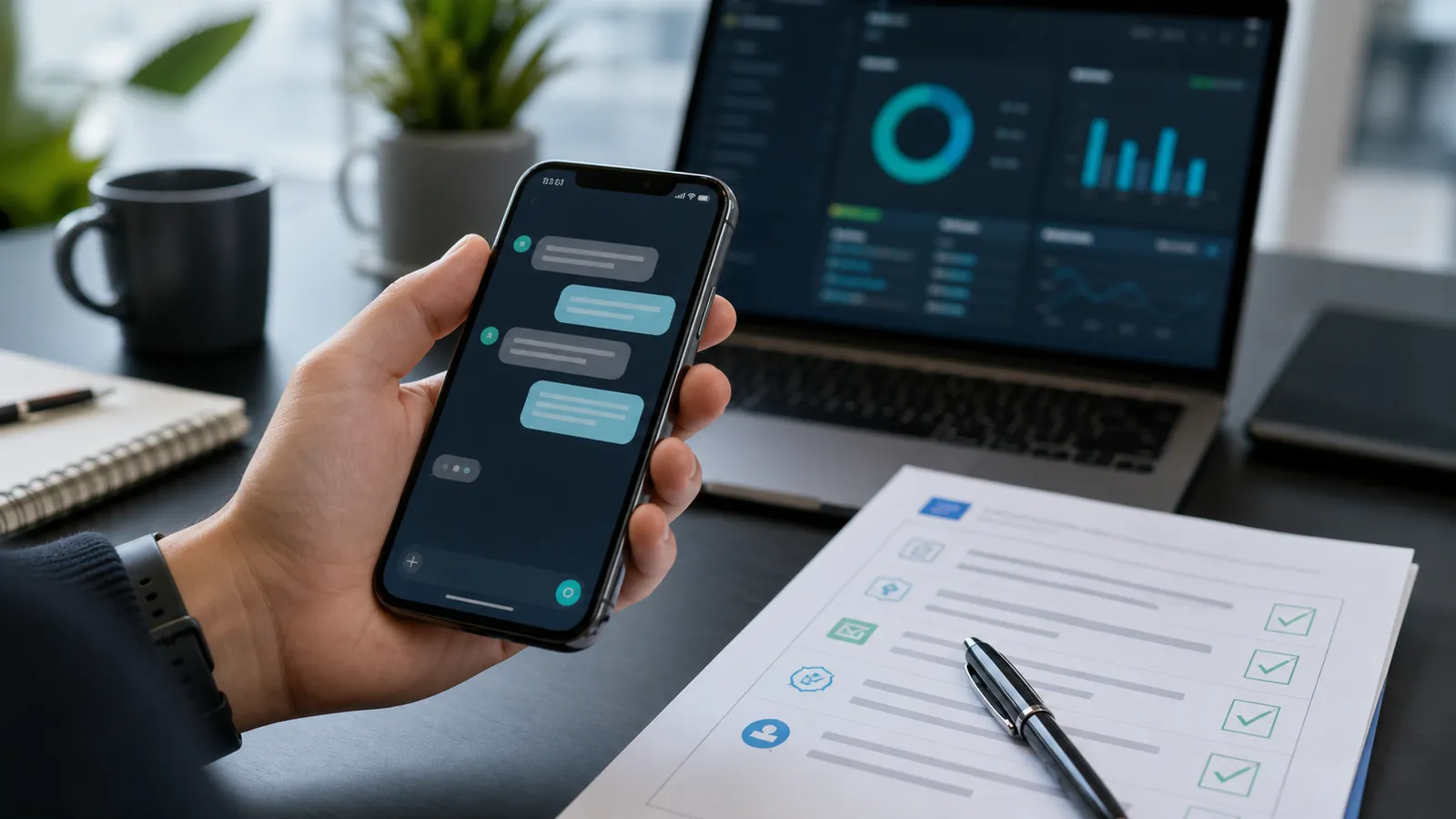
Custom smishing simulation scenarios let security teams train employees for SMS, chat, and mobile-first social engineering without relying on generic templates. The value is not in making messages more deceptive. It is in matching realistic business context, setting guardrails, measuring reporting behavior, and giving users fast, safe feedback.
That distinction matters when you compare smishing simulation platforms. The right question is not simply, "Can we write our own text-message scenarios?" A better question is, "Can we customize scenarios in a way that privacy, IT, HR, compliance, and employees can trust?"
This guide is defensive only. It does not include phishing copy, delivery tactics, bypass techniques, credential collection steps, or instructions for real attacks.
Why custom SMS scenarios matter
Generic smishing training gets stale quickly. Employees can learn to spot one obvious message while still missing the mobile workflows they actually use every day: delivery updates, calendar changes, password-reset notices, helpdesk pings, benefits reminders, travel alerts, or finance approvals.
Custom scenarios help security teams make training relevant to the organization. A finance user may need different coaching than a field employee. A German office may need different language and review steps than a US office. A customer-support team may need different guardrails than the executive assistant group.
For buyers, customization is also a signal of platform maturity. A smishing tool that only offers canned SMS templates may be easy to start, but hard to govern. A stronger platform should support scenario review, audience targeting, safety limits, mobile-friendly reporting, and evidence that the training improved behavior.
If you are building a broader mobile program, AutoPhish's smishing simulation page is the product-adjacent starting point. For policy context across SMS, WhatsApp, and QR, see the AutoPhish guide on mobile phishing policies for SMEs.
Start with scenario governance, not message writing
Custom smishing scenarios need an approval workflow. Without one, customization can drift into risky themes, inconsistent localization, or exercises that feel like traps.
A practical workflow should define:
- who can request a custom scenario
- who reviews the scenario before launch
- which themes are prohibited
- which employee groups are excluded or handled differently
- whether legal, privacy, HR, or works-council review is needed
- how sender identity and branding are approved
- what happens if an employee reports the message as suspicious
- what evidence is retained after the exercise
This does not need to become a slow committee process. For many organizations, a short review checklist is enough. The important part is that custom scenarios are treated as a controlled security-awareness workflow, not as free-form message drafting.
Set hard safety boundaries
Smishing simulations are useful only if they remain clearly defensive. A safe platform should make it difficult to create campaigns that collect sensitive data, impersonate people irresponsibly, or train employees to distrust legitimate internal support channels.
Before choosing a smishing simulation tool, ask whether it supports these guardrails:
- no real password, MFA code, payment-card, token, or sensitive personal-data collection
- no malicious attachments, exploit links, or instructions that weaken device security
- no impersonation of real employees without explicit approval
- no shame-based leaderboards or punitive manager workflows
- no use of high-distress topics such as layoffs, medical emergencies, immigration status, or salary threats
- clear opt-out or exception handling for sensitive groups when required
- a fast post-interaction training moment that explains safe reporting behavior
The US National Institute of Standards and Technology keeps practical phishing guidance for small businesses, including the basic reminder that users should be cautious with suspicious messages and links. Their phishing guidance is a useful external reference when explaining why mobile-awareness training belongs in a wider security program.
Check whether customization supports roles and regions
The best custom scenarios usually come from real business workflows, but they should be adapted by role and region rather than blasted to everyone.
Useful customization dimensions include:
- department or job function
- seniority and executive-assistant exposure
- office location and language
- mobile-heavy roles such as field service or sales
- contractors, seasonal staff, and shared-device users
- recently onboarded employees
- users who need extra coaching after repeated risky interactions
The goal is not to target people unfairly. The goal is to give each audience relevant practice and then measure whether reporting improves. A finance team may need invoice and approval awareness. IT may need account-recovery awareness. Executives may need coaching around urgent mobile requests. Employees in regions with worker-representation requirements may need different notification and reporting rules.
If you need a broader segmentation model, AutoPhish's guide to role-based phishing simulations gives a useful structure.
Evaluate reporting and feedback, not only delivery
Many buyers over-focus on whether a platform can send SMS messages. Delivery matters, but the real operational value comes after the message reaches the employee.
Ask vendors how they handle:
- one-tap or low-friction suspicious-message reporting
- classification of reported SMS or chat messages
- immediate feedback after a user reports or interacts with a simulation
- manager-friendly summaries that avoid public shaming
- privacy controls for individual-level results
- trend reporting across departments and campaign cycles
- evidence exports for audits or leadership reviews
Custom scenarios should create better learning loops. If the platform only tells you who clicked, it is giving you a weak signal. Stronger reporting shows whether employees reported the message, whether response time improved, which cues were missed, and which teams need additional coaching.
Keep templates editable but constrained
Security teams often want editable templates because their organization has specific systems, brands, or workflows. That is reasonable. Full freedom, however, creates governance risk.
A mature smishing simulation platform should offer constrained customization:
- approved scenario categories
- reviewable text fields
- localization support
- safe landing and feedback pages
- configurable sender labels where technically and legally appropriate
- prohibited-word or prohibited-theme checks
- preview and approval before launch
- version history for auditability
This gives teams enough flexibility to make training relevant without turning every campaign into a one-off project.
What to ask before buying a smishing simulation platform
Use these questions during vendor evaluation:
- Can we create custom SMS scenarios without collecting real credentials or sensitive data?
- Can scenarios be reviewed and approved before launch?
- Can we localize scenarios by language and region?
- Can we segment by role without exposing unnecessary personal data?
- Can employees report suspicious SMS messages easily?
- Can the platform show reporting behavior, not just interaction rates?
- Can we export evidence for compliance reviews without overclaiming compliance?
- Can we run SMS alongside email, QR, and other awareness channels?
- Can we keep scenario history, approval history, and result history together?
- Can we disable risky themes by policy?
For teams comparing multiple channels, the AutoPhish article on multi-channel phishing simulation tools can help frame SMS as one part of a larger awareness program.
FAQ
Are custom smishing simulation scenarios safe?
They can be safe when the platform prevents credential collection, avoids harmful themes, includes approval workflows, and focuses on reporting and training. Customization should make training more relevant, not more aggressive.
Should smishing simulations use real company names or internal tools?
Only with clear approval. Some organizations use lightly adapted internal context so employees recognize realistic workflows. Others avoid real system names to reduce confusion. The right choice depends on privacy, legal, HR, works-council, and communications requirements.
What metrics matter for SMS phishing awareness training?
Track reporting rate, time to report, repeat-risk trends, completion of follow-up training, and improvement over time. Click or tap rates alone can create misleading incentives.
How often should security teams run smishing simulations?
Most teams should start with a predictable cadence that employees can understand, then adjust based on risk and reporting maturity. SMS should not become noise. Use it when mobile risk is meaningful and when the team can handle reports properly.
Make custom smishing scenarios defensible
Custom smishing simulation scenarios are worth evaluating when SMS, chat, QR, and mobile workflows are part of your real risk picture. The key is to keep customization governed, privacy-conscious, and evidence-driven.
AutoPhish helps teams run safer phishing and smishing awareness workflows with guardrails, reporting, and follow-up training built in. To explore a lightweight setup, Sign Up.