Healthcare Phishing Simulations: Train Staff Without PHI Risk
A practical guide for hospitals, clinics, and healthcare vendors that need safer awareness testing across clinical, billing, and support workflows.
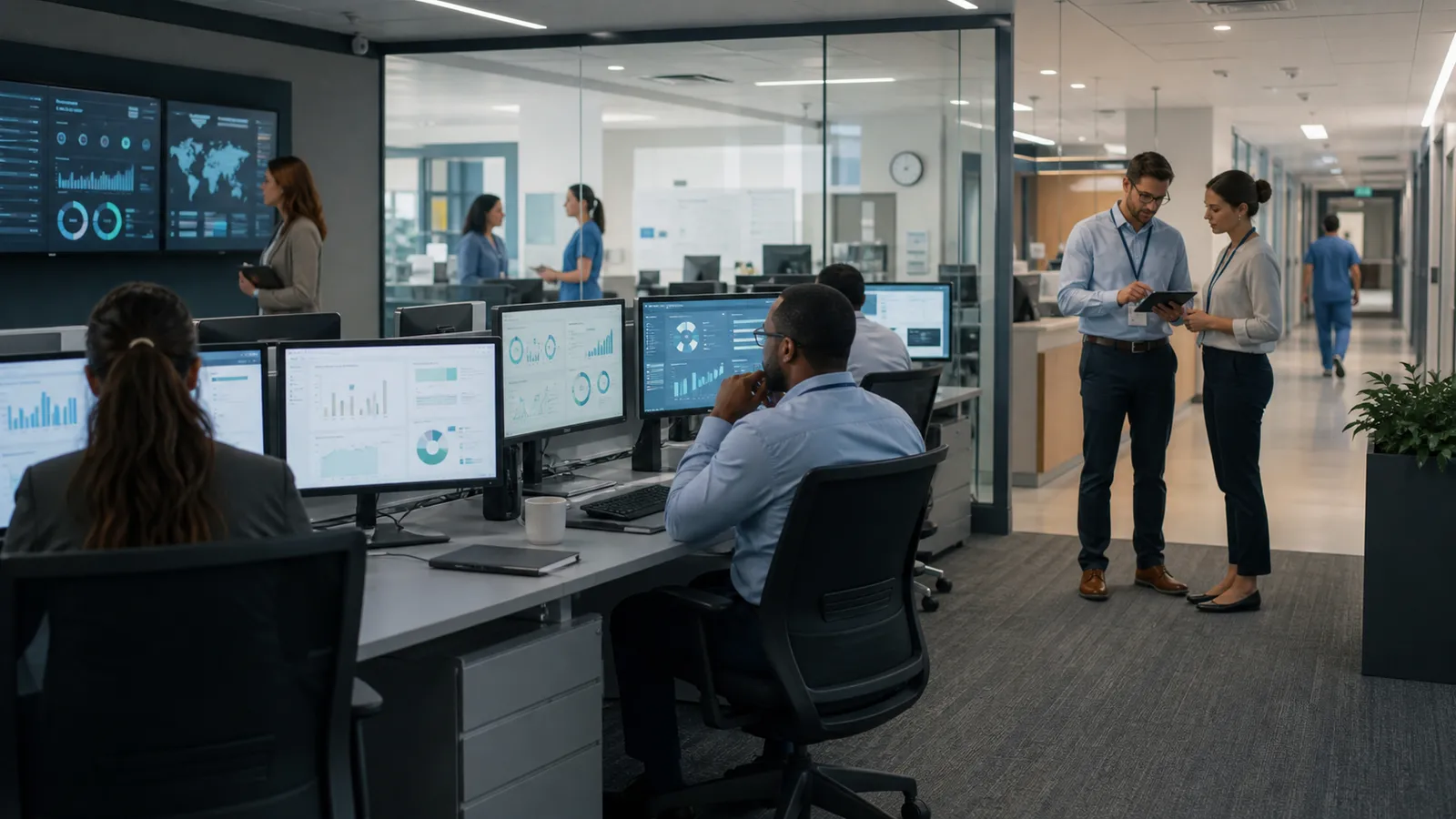
Healthcare phishing simulations need tighter guardrails than ordinary awareness campaigns. Hospitals, clinics, payers, labs, and healthcare software vendors handle protected health information, time-sensitive patient care, insurance workflows, shared devices, and third-party portals. A safe program should improve reporting habits without collecting secrets, exposing patient data, or interrupting clinical work.
That makes the buying question more practical than creative: can the platform support realistic role-based scenarios, privacy controls, repeatable reporting, and audit evidence without turning the exercise into a risky operations project? The answer matters for security engineers who own mail flow, IT admins who support users, CISOs who need measurable risk reduction, and compliance stakeholders who need defensible records.
This guide is defensive only. It does not include phishing templates, credential collection steps, mail-filter bypass tactics, or instructions for unauthorized testing.
Start with healthcare-specific risk, not generic click rates
Healthcare teams face familiar social-engineering themes, but the business impact is different. A missed report can delay helpdesk triage, expose a patient-facing system, create billing fraud risk, or increase pressure on already busy clinical staff. A campaign that only measures who clicked gives leaders very little to improve.
Define the first simulation around one operating question:
- Can staff identify and report suspicious messages through the approved path?
- Do clinical, billing, HR, and IT teams need different training follow-up?
- Are shared inboxes and shared workstations included in a controlled way?
- Can the helpdesk or SOC distinguish simulation reports from real suspicious mail?
- Does the platform produce evidence that is useful for security reviews and compliance discussions?
For most healthcare organizations, report rate, time to report, repeat exposure patterns, and safe follow-up behavior are more useful than raw click rate. Clicks can be distorted by previews, mobile devices, curiosity, and mail-security tooling. Reporting behavior shows whether people know what to do next.
Keep PHI and patient context out of the simulation
The easiest way to make a healthcare simulation unsafe is to make it too realistic. Do not use real patient names, appointment details, diagnoses, claim numbers, lab results, medical images, prescriptions, insurance identifiers, or portal messages. Do not ask employees to type passwords, MFA codes, patient data, billing data, or personal information into a landing page.
Use fictional, low-sensitivity business context instead. A safe landing page can teach the lesson by explaining the signals the employee should verify, the official reporting channel, and the approved business process. It does not need to collect a secret to prove risk.
The U.S. Department of Health and Human Services publishes healthcare cybersecurity resources through 405(d), including practical guidance aimed at health sector organizations. Treat those resources and your own legal/compliance requirements as the authority for protected data handling. A phishing simulation platform should help enforce those boundaries, not ask the security team to manage them manually.
Segment scenarios by workflow and care impact
Healthcare awareness programs work better when they respect how different teams actually operate. A nurse on a shared workstation, a front-desk employee handling appointment calls, a billing specialist processing payer messages, and an executive approving a vendor contract do not face the same verification problem.
Useful segments include:
- clinical staff who receive shift, scheduling, policy, and portal notifications
- front office teams handling appointment, insurance, and patient communication workflows
- billing and revenue-cycle teams dealing with invoices, claims, refunds, and payer portals
- IT and helpdesk users with privileged access or account-reset responsibilities
- executives and administrators who approve vendors, contracts, and urgent requests
- third-party support teams or contractors if they are in scope for the awareness program
Do not start with every segment at once. Pick one or two workflows where the training outcome is clear. A first healthcare campaign might focus on reporting suspicious file-share notifications or verifying unexpected vendor-account messages. The goal is to improve a behavior the organization can actually support.
Protect clinical operations from unnecessary disruption
The safest simulation is not the one that lands in every inbox at the busiest possible moment. Healthcare operations include shift changes, patient intake peaks, incident response windows, patch windows, seasonal volume spikes, accreditation activity, and real-world emergencies. A platform should make it easy to schedule, throttle, pause, and exclude users when needed.
Before launch, document:
- departments and locations in scope
- excluded groups, such as on-call incident teams or active crisis-response teams
- send windows by shift and time zone
- helpdesk and SOC staffing during the campaign
- escalation handling if employees call the security team or manager
- how to stop or pause a campaign if it collides with a real incident
This is especially important for organizations with shared mailboxes, shared workstations, kiosks, clinical devices, or teams that do not read email continuously. The simulation should fit the healthcare environment rather than pretending every employee works like a desk-based corporate user.
Use landing pages for education, not data collection
A healthcare-safe simulation landing page should explain what happened, what the employee could have checked, and what to do next. It should not imitate a patient portal, EHR login, insurer portal, payroll page, or document upload flow in a way that encourages secret entry.
Good landing-page requirements:
- no real credentials, MFA codes, PHI, payment data, or document uploads
- clear educational feedback immediately after the click
- plain-language guidance for the approved reporting process
- no visible employee shaming or team ranking
- no screenshots of real internal clinical systems unless formally approved and sanitized
- analytics that support training improvement without over-collecting personal data
If you need a deeper model for this, the AutoPhish guide to safe phishing simulation landing pages explains how to measure behavior without collecting secrets.
Make privacy and access rules explicit
Healthcare teams often need named-user results for targeted follow-up, but named data should not become a casual management report. Decide who can see individual results, when anonymized reporting is enough, how long data is retained, and how exceptions are handled for sensitive employee situations.
Define:
- whether managers see individual, team-level, or anonymized results
- who can export data and for what purpose
- retention periods for campaign events and training records
- how employees are informed about the awareness program
- how HR, legal, works councils, or employee representatives are involved where required
- whether contractors and third parties follow the same rules
For European healthcare organizations or multinational teams, privacy governance may require additional consultation before testing begins. The AutoPhish guide to privacy-friendly phishing training covers consent, anonymization, retention, and employee trust in more detail.
Validate mail flow without weakening security controls
Healthcare organizations often run layered email defenses, third-party gateways, Microsoft 365 or Google Workspace policies, endpoint controls, secure email tools, and ticketing integrations. A simulation that requires broad allowlisting can accidentally teach the wrong operational lesson: turn controls down whenever a test needs to succeed.
Ask vendors how they support authorized delivery while preserving the normal defensive posture as much as possible. Security engineers should be able to document sending domains, DNS alignment, mail-security configuration, reporting-button behavior, and any temporary exceptions. IT admins should know how user reports are routed and whether reports create tickets, alerts, or simulation events.
The platform should also handle false positives and real reports cleanly. Employees may report genuine suspicious email during the campaign. Your process should not bury those reports inside exercise data.
Build evidence that compliance stakeholders can use
Compliance teams do not need a dramatic story about who clicked. They need evidence that the organization runs a controlled awareness process, improves training based on results, protects sensitive data, and maintains appropriate records.
Useful evidence includes:
- campaign authorization and scope
- scenario approval notes and safety exclusions
- mail-flow configuration records
- launch dates, audiences, and exclusions
- report rate, time to report, and follow-up completion
- remediation actions taken after the campaign
- privacy and retention settings
- executive summary of lessons learned
The AutoPhish reporting guide, Phishing Simulation Reporting: 12 Features Security Teams Should Compare, is a useful checklist for deciding whether a platform can turn campaigns into management and audit evidence.
What to ask vendors before buying
Healthcare buyers should ask practical questions that expose whether the platform can run safely in a regulated, high-pressure environment.
Ask:
- Can we run simulations without collecting passwords, MFA codes, PHI, or payment data?
- Can we segment by role, location, shift, department, and contractor status?
- Can we exclude sensitive users or pause a campaign quickly?
- Can landing pages be educational and privacy-preserving by default?
- Can reports be anonymized or restricted by role?
- Can the system show reporting behavior, not just clicks?
- Can it integrate with our reporting button, helpdesk, SOC queue, or security mailbox?
- Can it produce evidence for leadership and compliance review?
- Can administrators review scenarios before launch?
- Can the platform support recurring campaigns without fragile manual setup?
If the answer depends on spreadsheets, screenshots, manual exports, broad mail exceptions, or uncontrolled scenario edits, the tool may create more operational burden than it removes.
A safe first campaign model
For a first healthcare phishing simulation, keep the scope narrow and the lesson clear. Choose a fictional business notification that does not reference patients, diagnoses, claims, appointments, prescriptions, emergencies, layoffs, or disciplinary pressure. Use a small audience, an approved send window, a pre-briefed helpdesk/SOC path, and an educational landing page with no data-entry fields.
After the campaign, review what employees reported, how quickly reports reached the right team, whether the helpdesk process worked, and which follow-up training is needed. Treat the result as an operating review, not a blame exercise.
When you are ready to compare a safer automated platform for recurring healthcare awareness testing, Sign Up and evaluate AutoPhish against your privacy, reporting, and workflow requirements.
FAQ
Are healthcare phishing simulations allowed under HIPAA?
They can be part of a security awareness program, but the design matters. The simulation should not expose PHI, collect real credentials, or create unnecessary operational risk. Healthcare organizations should follow their legal, compliance, and security requirements when defining scope, data handling, and records.
Should hospital staff be tested during active clinical shifts?
Only with careful scheduling and exclusions. Simulations should avoid high-pressure clinical windows, real incidents, patient-care disruptions, and teams that cannot reasonably respond during the send window. Training value drops quickly if the exercise interferes with care.
What metrics matter most for healthcare phishing training?
Report rate, time to report, safe follow-up behavior, repeat exposure patterns, and completion of targeted training are usually more useful than click rate alone. The best metrics help security and IT teams improve the reporting path and reduce risky behavior without shaming employees.