Hospitality Quishing Simulation: Safe QR Test Checklist
Evaluate QR phishing exercises for hotels, restaurants, venues, and guest services without involving customers, payments, or live operational systems.
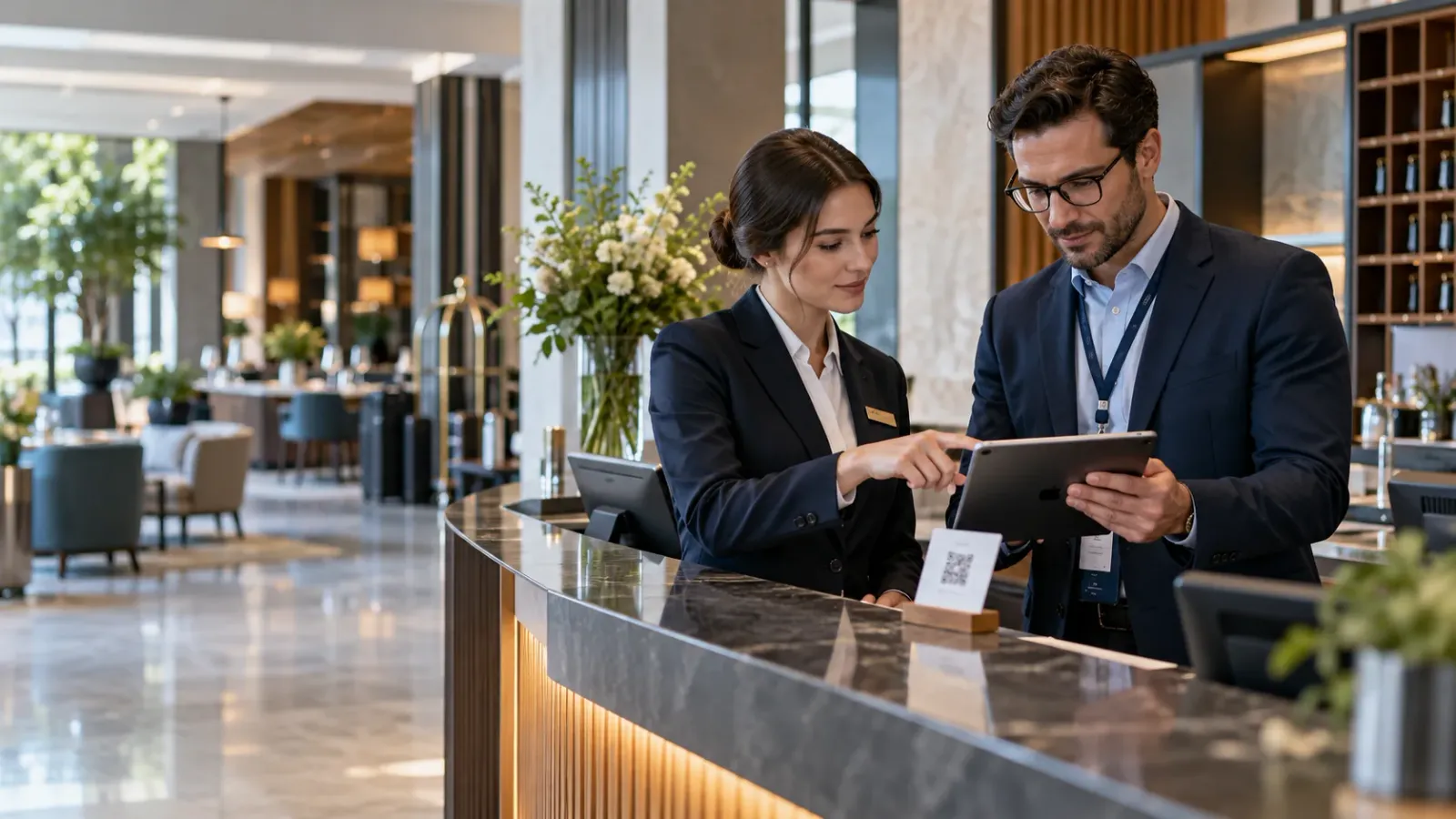
Hotels, restaurants, resorts, and venues rely on QR codes for guest Wi-Fi, menus, check-in, loyalty programs, payments, maintenance, and staff instructions. A hospitality quishing simulation should test whether employees verify an unexpected code, report it through a trusted route, and protect guests without disrupting service—not merely whether someone scans it.
The safest exercise stays inside an authorized employee population. It uses controlled destinations, fictional context, clear physical ownership, and stop conditions that prevent guests, suppliers, or the public from becoming accidental participants. It also tests the response chain around the employee: front desk, food and beverage, facilities, IT, security operations, and management.
This guide is defensive. It does not provide malicious QR payloads, physical-tampering techniques, credential-capture methods, or instructions for bypassing security controls.
Why hospitality needs a separate quishing plan
Hospitality employees work in public, mobile, and time-sensitive environments. A front-desk agent may need to resolve a guest problem while answering calls and monitoring arrivals. Restaurant staff may use shared tablets. Housekeeping and maintenance teams may have limited email access. Properties may operate around the clock with outsourced IT, seasonal workers, franchise systems, and multiple languages.
QR codes already carry institutional trust in this environment. A code may legitimately open a menu, connect a device to Wi-Fi, start mobile check-in, confirm a booking, register for an event, request service, or route a staff task. Telling employees to avoid all QR codes is neither realistic nor useful. Training should teach them to judge the request, verify ownership, and protect the action that follows.
A role-specific exercise should sit within a broader phishing awareness training program for employees. It should not become a separate punitive scorecard for shift workers or guest-facing teams.
Inventory QR workflows before testing
Start with a short workshop involving security, IT, property operations, front office, food and beverage, facilities, finance, privacy, communications, and representatives from participating teams. Inventory where QR codes appear, who owns each one, what destination is expected, and what business action can follow.
Common hospitality workflows include:
- guest Wi-Fi and captive-portal instructions;
- menus, room-service ordering, and restaurant payments;
- mobile check-in, digital keys, booking changes, and loyalty accounts;
- event registration, tickets, schedules, parking, and venue maps;
- in-room service requests, feedback forms, and concierge information;
- equipment instructions, cleaning records, maintenance requests, and asset labels;
- employee scheduling, payroll, benefits, learning, and account support;
- supplier deliveries, invoices, stock handling, and contractor access.
For every high-trust code, record an owner, approved domain, placement, start date, expiry date, and reporting contact. If nobody can say which team owns a code or whether its destination is still valid, remove or correct that operational gap before simulating it.
This inventory is useful beyond training. It can reveal abandoned signs, expired campaign codes, inconsistent domains, and guest journeys that ask people to trust a code without enough context.
Define the protected decisions
A useful hospitality QR phishing test evaluates decisions that matter to the business. Choose one or two behaviors for a pilot rather than combining every possible scenario.
Guest Wi-Fi and device access
Employees should know the authoritative source for network names and connection instructions. Test whether they verify an unfamiliar Wi-Fi code with IT or property management rather than treating a printed sign as proof.
Do not modify a live network, imitate a real captive portal, or place a test where guests could scan it. The objective is staff verification and reporting, not access to a device or account.
Menus, ordering, and payments
A menu or payment code can affect guests, revenue, and brand trust. Employees should know who approves codes, which domains are legitimate, and how to isolate a questionable sign without making claims they cannot verify.
Keep simulations away from live tables, bills, terminals, and customer communications. Never request payment-card data, loyalty credentials, tips, refunds, or transfers. Use fictional context in a controlled staff area.
Check-in, bookings, and loyalty accounts
Front-office staff handle names, reservation details, identity documents, payment guarantees, and account changes. A QR prompt must not become an alternative authorization channel for those actions.
Measure whether employees use the property-management or booking system as the source of truth and escalate unexpected QR instructions. Do not include real guests, confirmation numbers, room assignments, identity data, or loyalty accounts.
Events and venue operations
Conferences, weddings, and other events create temporary signs, schedules, vendors, and registration flows. Codes can be copied, moved, or left in place after an event ends.
Test whether staff can identify the owner, expected destination, and expiry of an internal training code. For broader event-specific controls, use the safe quishing simulation checklist for events.
Staff support and operational tasks
Employees may encounter QR codes for device enrollment, learning, maintenance, cleaning records, or account recovery. Test whether they verify these requests through the approved internal system or service desk.
A safe exercise never asks for a password, passkey, authentication code, recovery code, identity document, or approval of an unexpected sign-in request.
Set customer-safe boundaries
Hospitality exercises require strict separation between training and the guest experience. Written scope should define the authorized employee population, exact locations or digital channels, operating window, code owner, destination owner, data rules, removal plan, and person who can stop the exercise.
Use these non-negotiable controls:
- no placement in guest rooms, public entrances, restaurant tables, payment areas, or live event spaces;
- no use of real reservations, guests, suppliers, invoices, loyalty records, room numbers, or staff emergencies;
- no collection of credentials, payment data, identity data, device fingerprints, precise location, or unrelated mobile metadata;
- no app downloads, uncontrolled redirects, advertising, third-party trackers, or production login pages;
- a controlled HTTPS destination that provides immediate, neutral learning feedback;
- an expiry mechanism and tested emergency disable function;
- a removal check for every physical code, including photographs or dual verification where policy permits;
- a safe closure page if an out-of-scope person opens a copied or forwarded code.
If a property cannot prevent guests or the public from encountering the exercise, keep the pilot inside an authorized digital staff channel. Realism does not justify expanding the participant group by accident.
Avoid running exercises during emergencies, sold-out arrivals, major events, system outages, payment disruptions, labor actions, or other high-pressure periods. Training must not compete with life-safety communications or essential guest service.
Buyer checklist for a hospitality quishing platform
Ask vendors to demonstrate the complete workflow in a bounded pilot. The ability to generate a QR image is not enough.
1. Destination and redirect control
Administrators should be able to review every destination and redirect before launch, lock approved content, disable a campaign immediately, and define what happens after expiry. The provider should explain how copied or forwarded codes are handled without exposing campaign details.
Confirm that learning pages cannot collect secrets and that custom content is reviewed before use.
2. Physical-code governance
The platform or operating process should record each code's owner, location, placement time, removal deadline, and verification status. It should support unique identifiers without displaying employee or property-sensitive data.
Physical distribution needs dual control. One person should not be able to create, place, and close a public-facing exercise without review.
3. Role and shift targeting
Hospitality teams differ by property, function, employment type, language, shift, and device access. The platform should support small authorized groups and reliable exclusions for guests, contractors, leavers, temporary workers, and people who are off duty or handling critical operations.
Targeting should not require importing more personal data than the program needs. Buyers should understand the source, retention, and deletion process for every identifier.
4. Reporting without rescanning
Employees need a reporting route that works from a front desk, shared device, kitchen, back office, or overnight shift. It might be a known service-desk number, mobile form, security channel, or facilities workflow, but it must not require the employee to scan the code again.
The report should capture the location and surrounding context while minimizing guest, employee, and device data. A photograph may help with a physical sign when policy permits it, but staff should not include guests, identity documents, payment details, or private screens.
5. Immediate and accessible feedback
Feedback should be brief, mobile-friendly, available in required languages, and specific to the protected action. It should explain how to verify a code and where to report it without shaming the employee or interrupting guest service.
Long courses should be scheduled for an appropriate time. A staff member should not be expected to complete training while serving a guest, handling food, operating equipment, or responding to an incident.
6. Minimal and explainable telemetry
Ask exactly what the platform records when a code is previewed, scanned, reported, or opened. Mobile browsers, security scanners, chat platforms, and managed network tools may visit a destination automatically. The platform should distinguish automated activity from a human decision where possible and disclose uncertainty where it cannot.
Prefer a documented event set over device fingerprinting or broad location tracking. Scan rate alone is not a reliable measure of awareness.
7. Privacy and evidence controls
Buyers should review role-based access, retention, deletion, audit logs, regional processing, subprocessor controls, anonymization, and aggregate reporting. Franchise and management-company structures may require especially clear separation between properties and employers.
Evidence should show authorization, audience, timing, feedback, reporting, corrective actions, and improvement without exposing unnecessary individual-level data. Worker representatives, privacy teams, or legal counsel may need to review the program before launch depending on jurisdiction and practice.
8. Incident and recovery integration
The SOC, service desk, facilities team, and property management need a trusted way to confirm an authorized exercise while continuing to investigate mismatched codes as real incidents. A campaign window must never become a reason to dismiss employee reports automatically.
Ask the provider to demonstrate emergency disablement, out-of-scope visitor handling, report reconciliation, notification, code removal, data correction, and post-incident evidence.
Measure hospitality readiness, not curiosity
Use metrics connected to the protected workflow:
- report rate and median time to first report;
- verification through the approved property or corporate channel;
- correct identification of the code owner and expected destination;
- containment time for a questionable physical code;
- service-desk, facilities, and SOC triage accuracy;
- completion of concise follow-up learning;
- repeat improvement by workflow or team, where policy permits;
- guest-service and operational impact;
- data-quality limitations, including automated visits and unknown scanners.
Interpret differences carefully. A low reporting rate on an overnight shift may reveal an unavailable support route, limited device access, or unclear ownership—not weaker employees. Repair the process before assigning more training.
The US Cybersecurity and Infrastructure Security Agency recommends recognizing suspicious requests, resisting pressure, and reporting phishing through trusted channels in its guidance on recognizing and reporting phishing. Apply those same principles to QR prompts while adapting the reporting route to hospitality operations.
Run a bounded pilot
Start with one property, one employee-only use case, and a small authorized group. Include an operations owner, IT or service-desk representative, security analyst, facilities contact, privacy stakeholder, and participating employees from the relevant shifts.
- Document the objective, scope, exclusions, data rules, stop conditions, and removal plan.
- Verify the legitimate QR inventory and select one low-risk employee workflow.
- Confirm that the destination, reporting route, feedback, disable function, and expiry work on approved devices.
- Brief the response teams without broadly revealing the scenario.
- Place or deliver the exercise only inside the controlled employee environment.
- Reconcile scan, report, support, and physical-removal records before drawing conclusions.
- Fix one workflow gap and retest the relevant behavior before expanding.
If the organization needs a broader operating model for mixed digital and physical environments, compare the pilot with the quishing awareness training guide for hybrid workplaces.
Common mistakes to avoid
- placing test codes where guests, visitors, delivery drivers, or the public can scan them;
- using a live menu, payment, booking, loyalty, Wi-Fi, or event workflow as the exercise;
- copying real guest, property, supplier, employee, or incident data;
- measuring scans without testing ownership, verification, reporting, and removal;
- requiring employees to rescan a suspicious code in order to report it;
- collecting device, location, or identity data that the learning objective does not need;
- scheduling the exercise during peak service, emergencies, outages, or major events;
- failing to remove or expire every physical code;
- dismissing real reports because a training campaign is active;
- ranking properties or shifts without accounting for different workflows and reporting access.
Frequently asked questions
Should a hotel QR phishing test include guests?
No. A staff awareness exercise should use an authorized employee population and controlled environment. If guests or the public could encounter the code, move the pilot to an employee-only digital channel or controlled back-of-house location.
Can a simulation use a real menu or guest Wi-Fi page?
No. Use a fictional, controlled context and a safe learning destination. Do not interfere with live menus, networks, payments, bookings, or other guest services.
What is the best KPI for hospitality quishing training?
Use a combination of reporting, time to report, independent verification, correct routing, and containment of the physical code. Include operational impact and automated-scan uncertainty so results are not reduced to a misleading scan rate.
How should overnight and seasonal teams be included?
Provide equivalent reporting access, language support, feedback, and support coverage for every included shift. Verify employment and contact data, apply clear exclusions, and avoid using schedule or performance data beyond what the exercise requires.
What if a real suspicious QR code is reported during the exercise?
Investigate it through the normal incident process. Confirm authorized codes through a controlled register and escalate anything whose location, appearance, destination, timing, or owner does not match.
Make trusted QR use part of hospitality operations
Hospitality quishing training works when it proves that Wi-Fi, menus, check-in, events, payments, and staff support remain behind verified business processes. Keep guests outside the exercise, control every destination and physical placement, make reporting available around the clock, and measure whether the organization responded safely.
If you want to evaluate controlled phishing and quishing exercises with practical reporting, privacy safeguards, and audit-ready evidence, Sign Up and begin with a limited hospitality pilot.