Phishing Mail Test: A Safe Checklist for Security Teams
How to evaluate phishing tests, delivery, reporting, privacy, and follow-up without turning awareness training into an unsafe exercise.
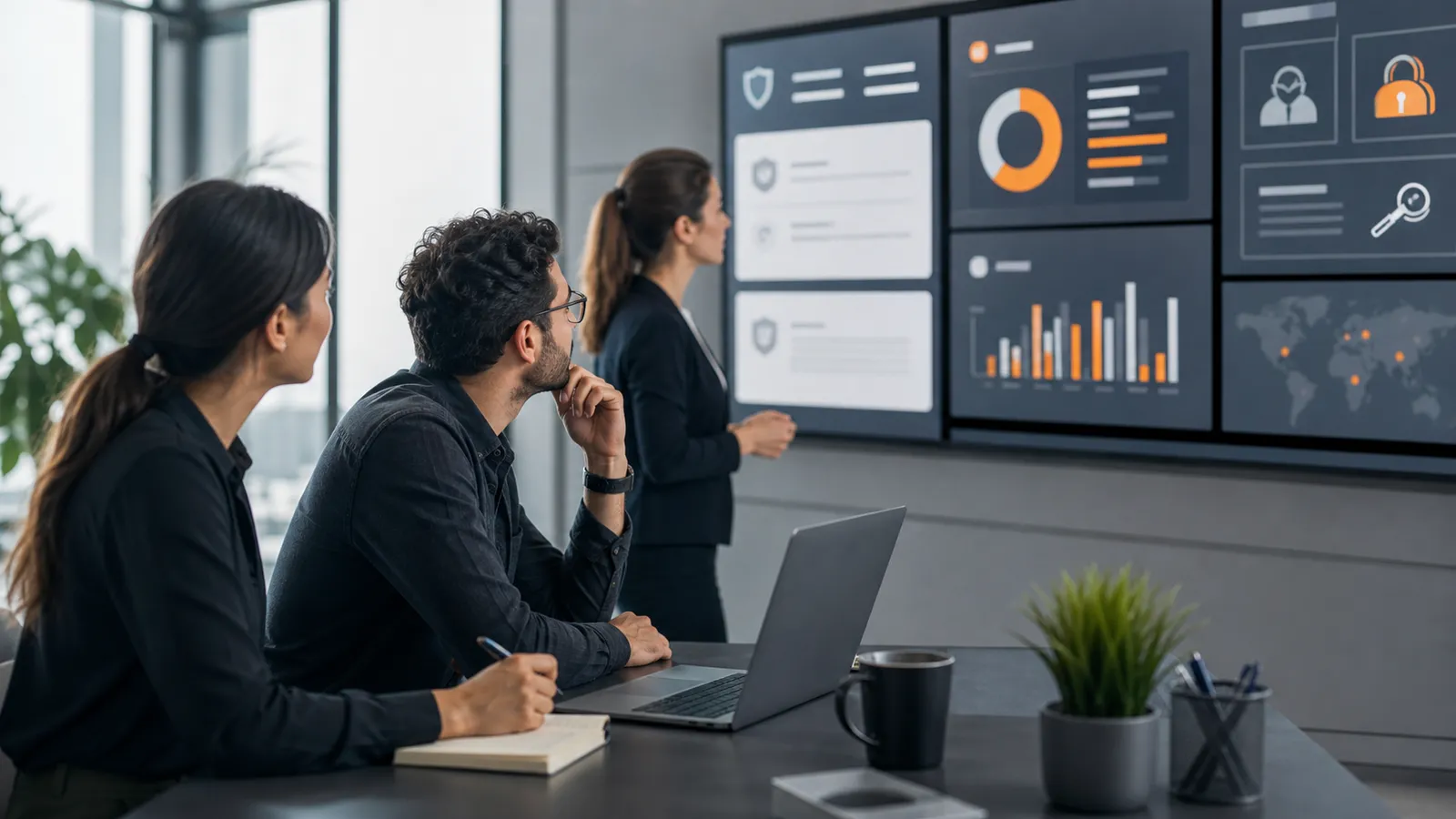
A phishing mail test should tell security teams whether employees recognize, report, and recover from suspicious email in a controlled setting. It should not prove that an internal team can imitate criminals, collect secrets, or surprise staff with a campaign nobody can explain afterwards. The useful version is a defensive exercise: safe messages, scoped delivery checks, clear reporting paths, privacy-aware measurement, and follow-up training that improves behavior.
That distinction matters because many buyers search for a phishing mail test when they really need a repeatable awareness workflow. A one-off test can answer a narrow question. A managed phishing simulation program can answer the bigger one: are people, process, and controls getting better over time?
Start with the decision the test must support
Before choosing a tool or template, decide what the test is meant to change. A phishing mail test usually supports one of four decisions:
- whether employees know how to report suspicious email
- whether mail-security controls, reporting buttons, and helpdesk workflows behave as expected
- whether awareness training needs to focus on a specific risk pattern
- whether leadership and compliance teams can see recurring evidence of improvement
Those decisions lead to different designs. If the goal is reporting behavior, the campaign should emphasize whether recipients report quickly through the approved channel. If the goal is tool validation, the campaign should confirm routing, ticket creation, and analyst visibility. If the goal is board-level reporting, the output should show trends, cohort-level risk, and follow-up actions instead of a single dramatic click rate.
For teams preparing their first recurring program, AutoPhish's guide to a phishing simulation program launch checklist is a good companion. It covers stakeholder alignment before the first campaign goes live.
Keep the test defensive, not operational
The safest phishing tests are realistic enough to teach the right habit, but constrained enough that they do not create new risk. The test should never ask employees to enter real credentials, approve real access, download harmful files, or bypass security tools in a way that would be unsafe outside the simulation.
Use these guardrails when evaluating a phishing attack simulation tool or managed service:
- landing pages must not collect passwords, tokens, payment data, or sensitive personal data
- file attachment scenarios should avoid active content and risky payloads
- links should resolve only to controlled training pages
- scenario themes should avoid personal tragedy, payroll panic, medical pressure, or humiliation
- employee feedback should teach, not shame
- individual-level data should be access-controlled and retained only as long as needed
Real attackers exploit urgency, authority, and confusion. A defensive training program can teach people to recognize those patterns without reproducing every harmful tactic. This is especially important for companies with works councils, regulated environments, or a culture where employee trust is already fragile.
Validate delivery without weakening email security
Many phishing mail tests fail before an employee sees anything. Messages land in spam, links are rewritten, images are blocked, tracking is stripped, or the campaign is quarantined by the very controls the organization wants to keep strong. The answer is not to disable protections broadly. The answer is a scoped delivery validation process.
A safe delivery check should confirm:
- the sending domain and sender identity are approved for the simulation
- SPF, DKIM, and DMARC alignment are understood
- security gateways and mail clients handle the message predictably
- the reporting button or abuse mailbox routes reports to the right queue
- the simulation is clearly documented for administrators who need to troubleshoot
- any temporary delivery exception has an owner, reason, scope, and end date
The goal is evidence, not blind bypassing. If a campaign needs special handling, document exactly what changed and why. If it does not need special handling, document that too. Both outcomes help future audits and make results easier to interpret.
AutoPhish has a deeper operational guide on why phishing simulation emails go to spam if deliverability is the immediate blocker.
Measure reporting, not just clicks
Click rate is easy to understand, but it is a weak standalone metric. A lower click rate can mean employees improved. It can also mean the message was filtered, the scenario was obvious, or staff warned each other in chat. A useful phishing mail test tracks the behaviors that reduce real incident impact.
Prioritize metrics such as:
- report rate
- median time to report
- percentage of risky interactions beyond a link click
- follow-up training completion
- repeat-risk trends across campaigns
- false-positive volume created by the reporting workflow
- cohort-level improvement by department, location, or role
The most valuable metric is often time to report. Faster reporting gives IT or the SOC more time to contain real campaigns, search for related messages, and warn users before the attack spreads. A good platform should show whether reporting behavior is improving over time, not just whether this month's scenario produced a colorful chart.
For a fuller buyer view, compare any shortlist against AutoPhish's article on phishing simulation reporting features.
Decide what employees see after interaction
The moment after an employee clicks, reports, or ignores a test message is where learning either happens or disappears. Delayed feedback turns the campaign into a scoreboard. Immediate, respectful feedback turns it into training.
Useful feedback should explain:
- which cues were suspicious
- what the employee did well
- what the employee should do next time
- how to report similar messages in the real environment
- why the organization runs controlled simulations
Avoid feedback that sounds like punishment. Security teams need employees to report uncertainty, not hide it. If people believe every suspicious email is a trap, they may stop asking questions. If they believe the program is designed to help them make safer decisions, they are more likely to participate honestly.
Use role-based scenarios carefully
Role-based tests can be useful because finance, HR, executives, IT admins, and frontline staff face different email risks. The problem is that role-based simulations can also become too personal or too intense if nobody sets review rules.
A safe review process should ask:
- Is this scenario relevant to the role without being manipulative?
- Could the scenario trigger unnecessary fear or embarrassment?
- Does the training page avoid collecting sensitive data?
- Is the expected behavior clear and teachable?
- Is the campaign approved by the right stakeholder?
The best role-based tests are specific enough to feel plausible, but still generic enough that employees are learning a transferable habit: pause, verify through a trusted channel, and report. They should not teach staff that every realistic business process is suspicious. They should teach staff how to validate requests safely.
Build a privacy and retention model before launch
Phishing tests create behavioral data. In many organizations, that data can become personal data, HR-sensitive data, or audit evidence. That does not mean teams should avoid testing. It means the program needs a clear privacy model before results start flowing.
Define:
- who can see individual results
- when aggregate reporting is enough
- how long raw campaign data is retained
- whether managers receive named results or only trends
- how repeat-risk follow-up is handled
- what employees are told before the program begins
For EU organizations, the privacy posture may be as important as the technical workflow. The public guidance in NIST SP 800-50 is also useful context: awareness and training should be planned, maintained, and evaluated as a program, not treated as a one-time trick.
Compare tools by workflow, not template count
Template libraries are helpful, but they should not dominate the buying decision. A phishing mail test succeeds when the whole workflow is easy to run safely.
When comparing platforms, look for:
- controlled sending and domain setup guidance
- safe landing pages that do not capture secrets
- reporting-button or abuse-mailbox integration
- automated, constructive feedback
- role-based campaign targeting with review controls
- privacy-aware reporting and access control
- exportable evidence for leadership or auditors
- clear separation between test design, delivery, training, and reporting
- support for recurring campaigns instead of one-off manual work
If a tool makes it easy to launch campaigns but hard to explain results, it will create operational debt. If a tool makes reporting, follow-up, and evidence simple, the program is more likely to survive beyond the first enthusiastic pilot.
A practical checklist before sending
Use this checklist before running a phishing mail test:
- The business goal is written down.
- Stakeholders know what will happen and who owns approvals.
- The scenario has passed a safety and tone review.
- No real credentials, tokens, payments, or sensitive data are collected.
- Delivery has been tested without broad security bypasses.
- The reporting channel is working.
- Employee feedback is ready before launch.
- Metrics are defined beyond click rate.
- Data access, retention, and exports are documented.
- Follow-up training and review actions are assigned.
If any of those items are unclear, fix the workflow before sending the campaign. A delayed test is usually cheaper than a messy one that damages trust or creates data nobody can defend.
Turn the test into a repeatable program
The strongest phishing mail test is not the most dramatic one. It is the one that helps security teams learn something useful, improve the next campaign, and show evidence that employees and processes are getting better.
AutoPhish is built for safe phishing simulations, automated follow-up training, privacy-aware reporting, and stakeholder-ready evidence. To run controlled tests without turning awareness into a guessing game, Sign Up.
FAQ
What is a phishing mail test?
A phishing mail test is a controlled security awareness exercise that sends simulated suspicious email to employees so the organization can measure reporting behavior, risky interactions, and training needs.
Is a phishing test the same as a phishing simulation?
They overlap, but a test is often a single campaign while a phishing simulation program is recurring. A program usually includes planning, safety review, delivery validation, reporting, feedback, training, and trend analysis.
Should phishing tests collect passwords?
No. A defensive phishing test should not collect real passwords, tokens, payment data, or sensitive personal data. Use safe training pages and measure interaction without capturing secrets.
What metrics matter most?
Report rate, time to report, risky interaction rate, follow-up completion, repeat-risk trends, and cohort-level improvement are usually more useful than click rate alone.
How often should companies run phishing tests?
Most organizations benefit from a recurring cadence with varied, safe scenarios. The right frequency depends on employee turnover, recent incidents, available follow-up capacity, and how quickly the team can review results.