Phishing Simulations With Automated User Feedback: What Security Teams Should Look For in 2026
Stop measuring who clicked. Start improving what happens next.
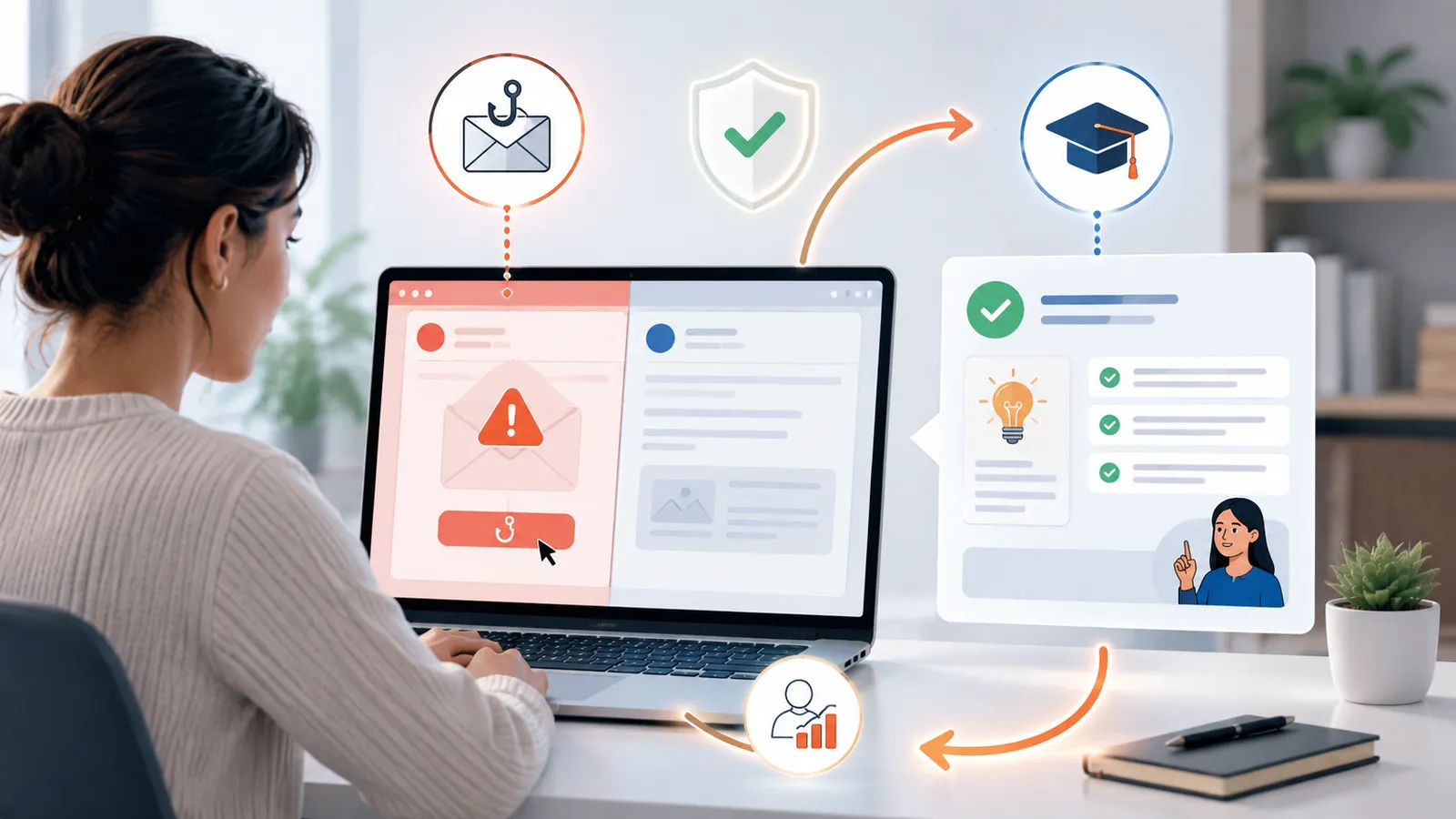
If you are comparing phishing simulations with automated user feedback, the key question is simple: does the platform turn each simulation into a useful coaching moment, or does it just generate another report?
That distinction matters. A phishing simulation without feedback can tell you who clicked. A phishing simulation with good automated feedback can help people understand what they missed, reinforce positive reporting behavior, and reduce repeat risk without adding manual work for the security team.
This guide explains what automated user feedback should actually include, how to compare vendors, and where security teams should be cautious.
Safety note: This article is about defensive phishing simulations and awareness training. It does not include instructions for real phishing, credential theft, or bypassing security controls.
What automated user feedback means in a phishing simulation
Automated user feedback is the response a platform gives employees after a simulation event, usually without an admin manually stepping in.
That feedback might happen when a user:
- clicks a simulated phishing link
- reports the message correctly
- scans a QR code in a simulation
- interacts with a safe landing page
- completes a short follow-up learning step
The best platforms do not treat feedback as punishment. They use it to create a short, clear training moment.
In practice, that usually means:
- a safe explanation of the warning signs the user missed
- positive reinforcement when someone reports correctly
- a brief micro-learning step, not a 20-minute lecture
- reporting that shows whether feedback is improving behavior over time
If the platform only says “you failed,” it is not really feedback. It is just friction.
Why this matters more than another dashboard
Security teams already have enough dashboards. The real value of automated feedback is operational and behavioral.
It helps you:
- reduce the delay between action and learning
- reward the right behaviors, not just highlight mistakes
- run recurring campaigns without turning every follow-up into manual work
- create a more defensible awareness program for leadership and audits
This is especially important if you want phishing simulations to feel like part of a real awareness program, not a periodic gotcha exercise.
If you are also evaluating reporting depth, this related guide on phishing simulation reporting covers the metrics and evidence layer in more detail.
The 7 things to compare in platforms with automated user feedback
1. Feedback should trigger on both risky and positive behavior
Many tools focus only on clicks. That is incomplete.
A stronger program also recognizes when users:
- report the simulation through the right channel
- avoid interacting with the lure
- escalate suspicious content appropriately
Why this matters: if you only measure failures, you teach employees that the program exists to catch them. If you also reinforce correct reporting, you support the behavior you actually want.
2. The feedback should be immediate, short, and safe
The best coaching usually happens right after the event, while the context is still fresh.
Look for feedback that is:
- shown immediately after the simulated action
- limited to the key lesson, not overloaded with theory
- delivered on a safe page with no real credential collection
- consistent across email, SMS, voice, or QR scenarios when those channels are used
If a platform delays feedback by days, the learning value drops.
If you are testing multiple departments, role-specific coaching also matters. AutoPhish’s published guide on role-based phishing simulations is a good reference point for how scenarios and coaching should vary by audience.
3. The platform should support role, language, and risk-based variation
A finance user, a help desk admin, and an executive assistant do not all need the same follow-up.
Useful platform capabilities include:
- role-based feedback content
- multi-language support for distributed teams
- different coaching flows for new hires vs repeat-risk groups
- separate templates for email, SMS, QR, or voice-based simulations
This is where many “automated” platforms fall short. They automate the trigger, but not the relevance.
4. Privacy controls should be built into the feedback workflow
Awareness programs can become politically difficult very quickly if user-level behavior is handled carelessly.
When comparing vendors, check whether automated feedback can work with:
- role-based access controls for managers and admins
- aggregated or anonymized reporting options
- clear retention settings for user-level event data
- jurisdiction-aware handling of employee data
- configurable exclusions for sensitive teams or legal constraints
For EU teams in particular, privacy posture is not a side issue. It is part of whether the program can scale internally. This guide on privacy-friendly phishing training is worth reviewing alongside vendor demos.
5. Feedback should connect to measurement that leadership can understand
Automated user feedback is only valuable if you can show that it is helping.
Useful metrics include:
- repeat click reduction after feedback
- report rate improvement over multiple cycles
- time-to-report changes
- high-risk scenario patterns by department or role
- completion rate for follow-up micro-learning
What you want to avoid is a platform that only counts how many feedback pages were shown. That is activity, not impact.
For teams aligning awareness work to broader governance and risk reduction, the NIST Cybersecurity Framework 2.0 is a useful external reference for treating awareness as part of a measurable cybersecurity program.
6. Admin overhead should actually go down
“Automated feedback” sounds efficient, but some tools still create a lot of hidden admin work.
Ask whether the platform can:
- auto-assign feedback by scenario or user group
- schedule recurring campaigns without rebuilding learning flows each time
- keep templates and coaching content reusable
- integrate reporting outputs into your normal review cadence
- avoid manual exports just to prove a campaign happened
If every campaign needs custom routing, manual translations, or separate reporting cleanup, the automation claim is weak.
7. The training moment should be constructive, not theatrical
Some vendors still treat realism as an excuse for overly aggressive tactics.
That is a bad trade.
Automated feedback should help users learn without:
- shaming language
- fake disciplinary messages
- unnecessary brand impersonation risk
- confusing pages that look too close to a live login flow
- surprise escalations to managers without clear policy
A sensible platform helps you build trust while improving awareness.
What bad automated feedback looks like
You should be cautious if a vendor demo shows any of the following:
- one generic feedback page for every scenario
- no reinforcement for correct reporting behavior
- no privacy or retention explanation
- no control over what different admins can see
- no support for localized or role-specific coaching
- feedback pages that mimic credential collection too closely
- reporting that proves exposure, but not learning
If the vendor cannot explain how feedback is kept safe, measurable, and acceptable to internal stakeholders, the feature is not mature enough.
Questions to ask vendors during evaluation
Use these questions to separate real capability from checkbox automation:
- What exact user events can trigger automated feedback?
- Can feedback reinforce correct reporting, not just mistakes?
- Are landing pages always safe, with no real credential or sensitive input capture?
- Can coaching differ by role, language, business unit, or risk group?
- How do you handle privacy, retention, and role-based access to user-level results?
- Can reporting show whether feedback reduces repeat-risk behavior over time?
- What manual work still falls on our team after campaigns run?
- Can we export evidence that coaching and follow-up actually happened?
- How do you keep feedback constructive, especially for executives or sensitive departments?
- Which controls help us avoid overly aggressive or legally awkward simulations?
When automated user feedback is the right fit
This approach is especially useful when your team wants to:
- move from occasional testing to a repeatable phishing simulation program
- reduce manual awareness follow-up work
- reward reporting behavior, not just count failures
- support awareness evidence for leadership, auditors, or compliance reviews
- scale a program across departments without increasing admin burden every month
It is less useful if the platform cannot tailor the training moment or if your organization needs strong privacy controls that the vendor does not support.
The practical buying takeaway
If you are evaluating phishing simulation vendors in 2026, do not treat automated user feedback as a cosmetic feature.
It changes what the platform actually is.
Without it, you mostly have a testing tool. With it, assuming the workflow is safe and measurable, you may have a real awareness platform.
The best option is usually the one that combines:
- low-friction automation
- safe and brief coaching
- positive reinforcement for reporting
- privacy-aware reporting
- evidence you can use with leadership and compliance stakeholders
If you want a lightweight, EU-conscious phishing awareness workflow with measurable reporting and low admin overhead, Sign Up.
FAQ
What is automated user feedback in phishing simulations?
It is an automatic coaching response after a simulated phishing event, such as a click, report, or QR interaction. Good feedback explains the lesson quickly and safely, without requiring manual follow-up from an admin.
Should phishing simulation feedback be immediate?
Usually, yes. Immediate feedback creates a stronger learning moment because the user still remembers the message and the decision they made. Delayed feedback is less effective unless there is a specific policy reason to wait.
Does automated feedback help with compliance and audit evidence?
It can. The main value is not “compliance by itself,” but better evidence that awareness activity happened, follow-up was delivered, and outcomes were measured consistently over time.
Do we need user-level tracking to use automated feedback?
Not always. Strong platforms can support aggregated reporting, restricted admin visibility, and privacy-aware retention settings while still delivering user-facing coaching.